Campaign Governance: Tracking Your Outdoor Ad Minute by Minute Instead of Waiting for a Month-End Report
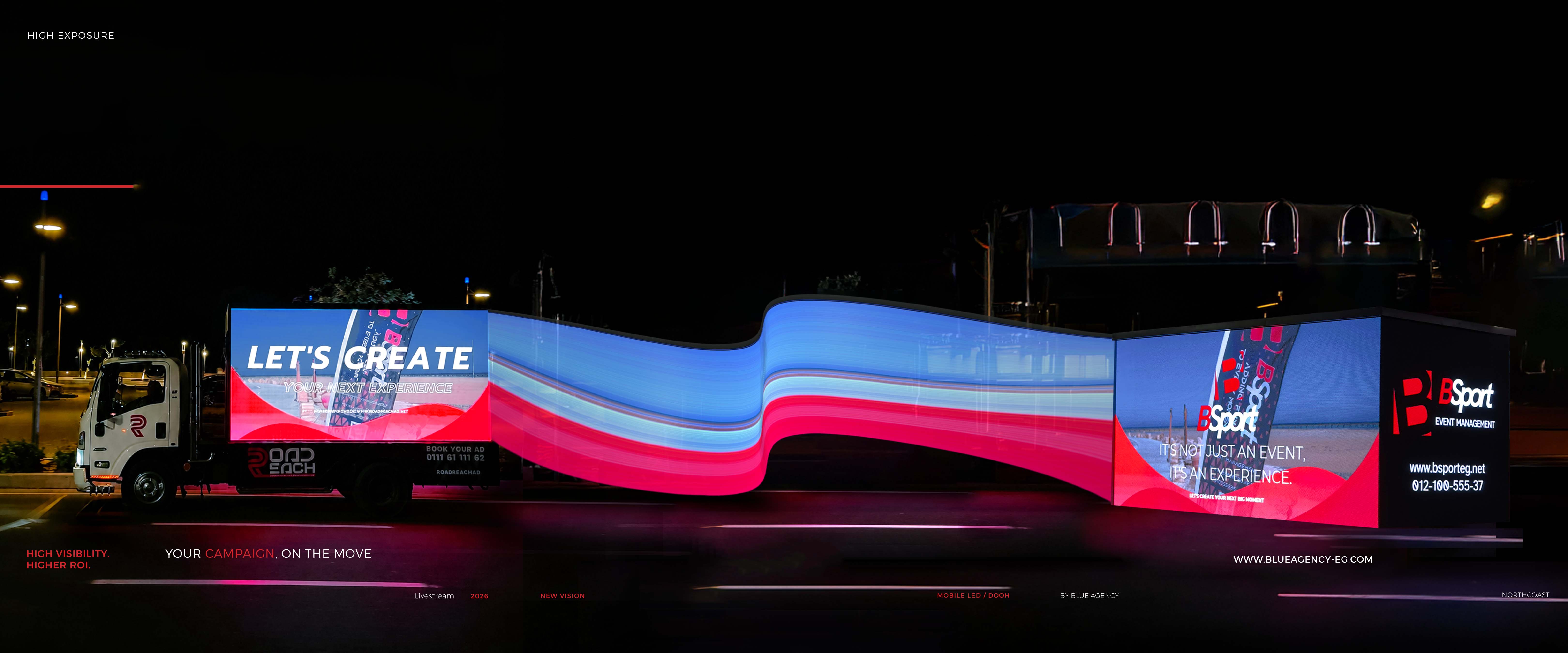
Quick answer: Road Reach gives every advertiser three layers of proof: live GPS tracking showing where the truck is right now, a client livestream you open from your phone to watch your ad actually playing, and a performance report after the campaign covering routes and reach estimates. On top of that, every booking is documented and invoiced by email, so the campaign has a paper trail from booking to report.
The biggest problem in outdoor advertising: no proof
In digital, you see everything: impressions, clicks, cost. In traditional OOH you pay and then you wait, and the most you usually get is a photo or two of the panel, which could have been taken at any time.
That gap creates three real problems:
- The marketing manager can't justify the spend to leadership.
- The agency can't reassure the client that what was paid for actually ran.
- The business owner feels the money went somewhere they can't see.
Campaign governance simply means: every pound has a trace, and every day has evidence.
The four governance layers in Road Reach
1. A documented booking from minute one
The booking happens on an online system that records exactly what was agreed: campaign type, route, selected dates day by day, slot count, total, deposit and remaining balance. Once confirmed, an official invoice is emailed immediately, with tax registration number and billing address if you entered them.
So before the campaign even starts, you hold a document that defines precisely what was bought. That's the foundation of any governance.
2. Live GPS tracking
A map showing where the truck is right now, where it has been, and when. You can verify for yourself that the screen was on the agreed route, during the agreed hours, not sitting in a depot.
3. Client livestream (a first in Egypt)
Open your phone, start the stream, and watch your ad playing on the screen right now. This is the strongest feature in the system, because it converts "trust us" into "see for yourself."
Practical uses:
- Confirm the right creative is running after you swap it.
- Capture the screen in traffic and use the footage on social media.
- Reassure your client or your manager in seconds, without asking anyone.
4. Performance report
After the campaign you receive a report summarising routes and reach and impression estimates: ready to drop into the end-of-month deck without extra work.
The difference between "we told you" and "you saw it"
| Element | Traditional approach | Road Reach |
|---|---|---|
| Proof of delivery | Photos sent to you | Live stream + GPS |
| Ad location | A verbal route description | A real-time map |
| Documented agreement | Emails and chats | Recorded booking + instant invoice |
| Creative changes | Slow and costly | Immediate, and visible on the stream |
| Reporting | Generic | Routes, reach, impressions |
| Availability before booking | "Let me check and get back to you" | Live calendar |
What this changes inside a company
For the advertiser: there's now a number and a report to put in front of leadership, and it becomes possible to compare week against week and decide whether to extend or change the creative.
For the agency: you can reassure a client in seconds and build the relationship on transparency instead of promises. That means fewer disputes and fewer "are you sure it's running?" calls.
For procurement and finance: the instant invoice with tax number and billing address keeps the documentation clean from day one.
How to actually use the governance layer
- Open the stream at different times, once in the afternoon, once at night, to see the street in two very different states.
- Record the stream and use it as social content; it's the cheapest content you'll produce all month.
- Compare days. If you booked non-consecutive days, see which performed better (weekend vs midweek) and let that shape the next booking.
- Change the creative mid-campaign and watch the difference. Changes are free, so there's no reason to run one version throughout.
Frequently asked questions
How do I track my campaign?Through live GPS tracking and a livestream of the screen, both accessible from your phone at any time.
Is the livestream available to every client?Yes. Livestream access and GPS tracking are part of every campaign.
Do I get a report after the campaign?Yes, a performance report summarising routes and reach and impression estimates.
How do I verify the truck stayed on the agreed route?Through the GPS map, which shows route and timing.
When does the invoice arrive?Immediately after the booking is confirmed, to the email address you entered.
Can I add a tax registration number to the invoice?Yes, there are fields for tax registration number and billing address at the details step.
If I change the creative, how do I confirm it went live?Open the livestream and see the new version on the screen yourself.
See your campaign with your own eyes
Book your campaign and start tracking it live →
Read next: The complete system guide · How Blue Agency built the system